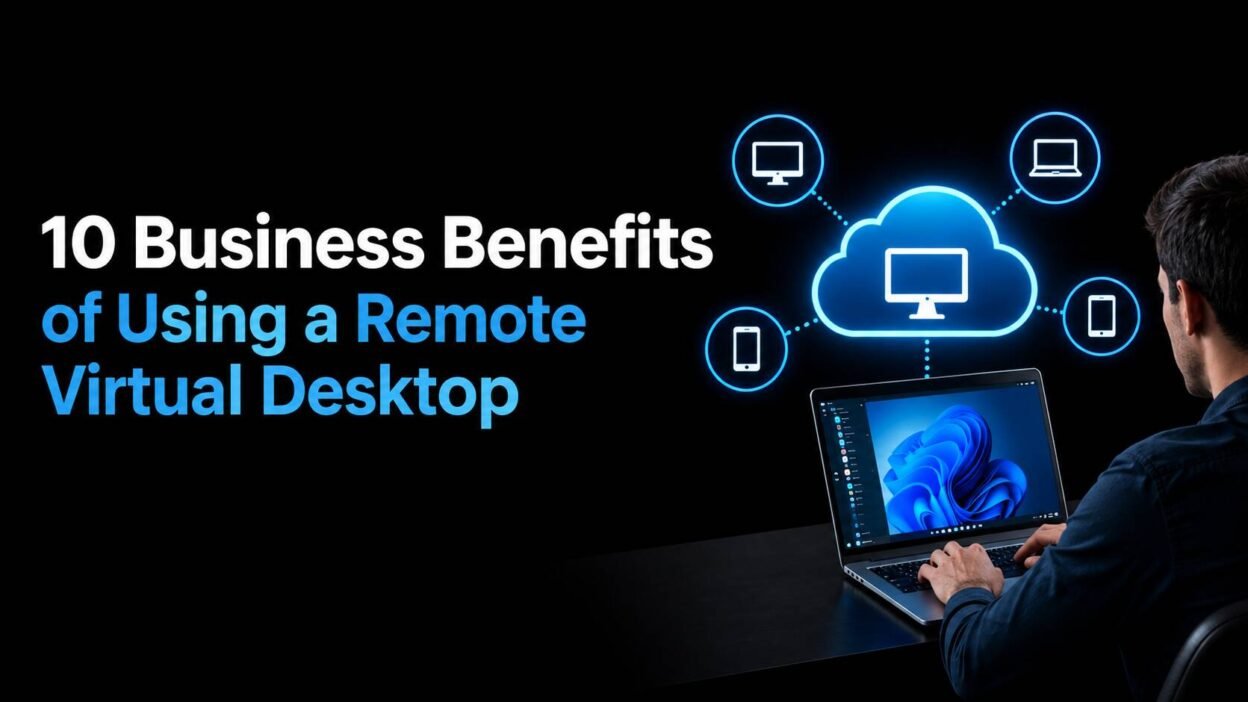
Businesses today need employees to access applications, files, and work environments without being tied to a specific office computer. A remote virtual desktop provides a practical way to deliver a complete desktop environment over the internet. Employees can access their business desktop from laptops, tablets, or other supported devices while applications and data remain hosted in a centralized environment.
Beyond remote access, virtual desktops can help businesses improve security, simplify IT management, support flexible work arrangements, and control infrastructure costs. Here are 10 key benefits of using remote desktop solutions for business.
1. Access Your Desktop From Almost Anywhere
A remote virtual desktop allows employees to connect to their familiar work environment from different locations. Whether they are working from home, traveling, or working from another office, users can access their applications and files through an internet connection.
This flexibility is particularly useful for organizations with remote and hybrid employees. Instead of depending on a specific office computer, employees can connect to a centralized desktop environment when they need to work.
2. Support Remote and Hybrid Employees
Managing employees across multiple locations can be challenging when every worker needs access to the same applications and resources. A remote virtual desktop provides a consistent workspace that employees can use regardless of where they are working.
IT teams can provide users with access to the applications they need without having to configure every employee’s physical computer individually. This can make remote-work deployments easier to manage as teams grow.
3. Centralize Business Applications and Data
With a virtual desktop environment, applications and business data can be hosted in a centralized infrastructure rather than distributed across numerous employee devices.
Centralization gives IT administrators greater control over how applications, files, and user environments are managed. It can also reduce the need to store sensitive business information directly on individual laptops and desktops.
4. Improve Data Security
Keeping business information secure is an important consideration for remote work. A virtual desktop can help organizations keep applications and data within a controlled hosting environment instead of relying entirely on employee devices.
Administrators can implement security measures such as access controls, authentication policies, encryption, and regular backups. If an employee’s laptop is lost or replaced, access to the hosted desktop can be disabled without necessarily losing the centrally stored business environment.
5. Simplify IT Management
Traditional desktop environments often require IT teams to manage operating systems, applications, updates, patches, and configurations across many individual computers.
A centralized virtual desktop environment can reduce this administrative workload. IT administrators can manage desktop resources from a central location, making it easier to maintain consistent configurations and deploy changes across users.
This approach can be especially useful for businesses managing dozens or hundreds of employees.
6. Reduce Hardware Dependency
Employees using a remote virtual desktop do not necessarily need high-performance local computers for every business application. Much of the processing and application workload can take place within the hosted desktop environment.
This can extend the useful life of existing devices and reduce pressure to purchase expensive hardware whenever application requirements increase. Businesses can select employee devices based more on connectivity and usability rather than relying solely on local processing power.
7. Make Employee Onboarding Easier
Setting up a new employee traditionally involves preparing a computer, installing applications, configuring security settings, and providing access to business resources.
With a centralized virtual desktop environment, administrators can provision a standardized desktop with the required applications and permissions. When employees leave the organization, their access can also be removed more easily.
This creates a more consistent process for adding and removing users.
8. Business Continuity and Disaster Recovery
Unexpected events such as hardware failures, office disruptions, or other operational problems can prevent employees from accessing traditional desktop environments.
A virtual desktop can give employees another way to reach their work environment when they cannot access their usual office computers. Since the desktop environment is hosted remotely, employees may be able to continue working from another location, provided they have suitable internet access and the necessary credentials.
9. Scale Desktop Resources With Business Needs
Business requirements change over time. A company may need additional desktops when hiring new employees, opening another location, or working with temporary staff.
Virtual desktop environments can make it easier to add or remove users and allocate resources based on changing requirements. This flexibility can be useful for organizations that experience seasonal demand or rapid growth.
Instead of planning around a fixed collection of physical workstations, businesses can manage desktop resources according to current needs.
10. Better Compliance and Regulatory Control
Industries like healthcare, finance, and legal services operate under strict data compliance requirements. Centralized data storage through a remote virtual desktop makes it easier to enforce compliance policies, maintain audit trails, and control exactly where sensitive information resides – a much harder task when data is spread across individual employee devices
What Should Businesses Consider Before Choosing a Remote Virtual Desktop?
Although virtual desktops offer several advantages, businesses should evaluate their requirements before selecting a solution. Consider factors such as the number of users, applications being hosted, required computing resources, internet connectivity, security requirements, backup policies, and technical support.
Performance is another important consideration. Applications that require significant processing power, graphics resources, or specialized hardware may need a virtual desktop environment configured specifically for those workloads.
Businesses should also consider how users will connect, what devices they will use, and what level of administration the IT team wants to handle internally.
Conclusion
A remote virtual desktop can give businesses a flexible way to provide employees with centralized applications, data, and desktop environments. From supporting remote workers and improving centralized management to reducing hardware dependency and helping with business continuity, virtual desktops can address several challenges associated with traditional desktop infrastructure.
For businesses looking to implement a remote virtual desktop solution without the burden of building and maintaining the infrastructure themselves, Apps4Rent offers hosted virtual desktop services designed around security, scalability, and reliability. With expert setup, ongoing support, and flexible plans suited to businesses of every size, Apps4Rent helps organizations transition to a virtual desktop environment smoothly and confidently – so teams can focus on work, not IT overhead.