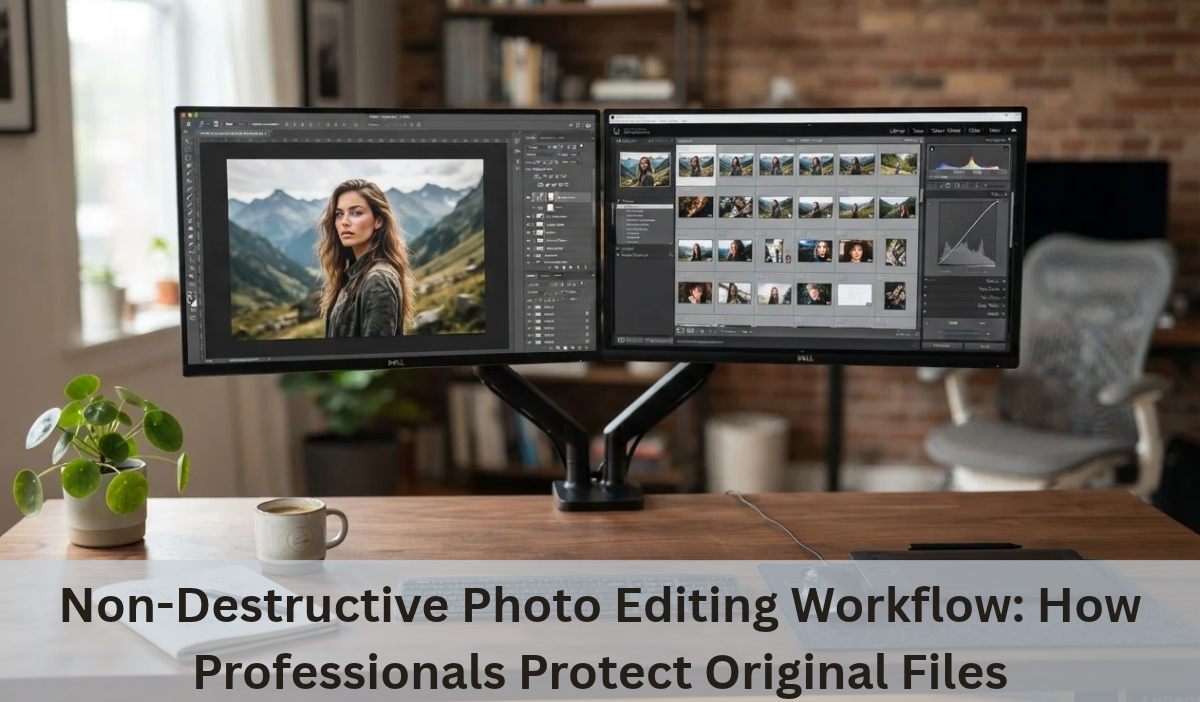
The digital image has revolutionized the ways in which we take and save images of ourselves, products and creative ideas. But the magic truly takes place after the shutter flashes, in the digital darkroom. From handling an eCommerce catalog to building a personal portfolio, a professional online photo editing service can take your creative output to the next level. You’ve experienced destructive workflows already if you’ve ever saved over a master image and then discovered that you lost all of your highlights.
Step into the non-destructive editing workflow, the elite of the modern image processing industry. This way, you can safely try new things, undo your work, and scale up your creativity without loss to your raw data. At the core of professional imaging is the importance of maintaining file integrity, whether you’re editing them in-house or outsourcing to an online photo editing service.
Non-Destructive vs. Destructive Editing: Key Differences Explained
It’s important to understand the key distinction between the two methods so as to understand why pros won’t tolerate any shortcuts with workflow integrity.
- Destructive Editing: This is the traditional method which does editing on the original pixels in the image file. If you paint over a blemish, brush off the elements in the background, or drastically change exposure on a flattened layer, the original pixel data will be lost forever as soon as you press the Save button. When you close it and come back a week later with your details, you’re usually stumped.
- Non Destructive Editing: This is the new paradigm that allows you to make adjustments without affecting the source pixels. You do not change the image, but you write your editing instructions (like curves adjustments, color grading, masking, etc.) to a metadata layer that is attached to the image. The original file is kept unchanged in the background to ensure there is always a safety net.
With this approach, digital artists and photo editing teams will be able to continuously adjust contrast, sharpness, and colour, without compromising the integrity of their images or information.
Why Non-Destructive Editing Matters for Professional Photographers
In the profession and commercial production, time means money and errors mean expense. Non-destructive protection of your source files offers some important benefits:
- Infinite Flexibility and Reversibility: Feedback loops involving clients may be lengthy and unpredictable. A client may prefer a moody, high contrast image one day, and a bright, airy image the next. A non-destructive configuration makes it easy to switch between styles in a matter of seconds, as you can just move between the different adjustment layers, rather than creating new ones from scratch.
- Preserving Image Quality: Each compression save with destructive techniques discards subtle tonal information and creates artifacts. This cumulative degradation is avoided in non-destructive workflows, so that you can export the best quality final image possible.
- Seamless Collaboration: Creative processes today can involve several people, such as photographers, retouchers, art directors, and clients. By working with an online photo editing service that adheres to the non-destructive code, any member of the team can check the history of the changes that have been made and make accurate changes without destroying the previous ones.
3 Essential Non-Destructive Editing Techniques to Use in Your Workflow
A non-destructive workflow doesn’t necessarily mean that you need to change your software configuration, but it does call for a change in your everyday work habits. The following are the basics to protect your assets:
- Leverage Adjustment Layers: Instead of using image-adjustment tools directly on your background layer, always apply them via dedicated adjustment layers. It ensures that your color corrections, saturation adjustments, and levels are all modular.
- Master Smart Objects: Learn how to make your raster layers smart objects, enabling you to dynamically apply filters, like sharpening or blur, to your work. Double clicking the smart object at any time will update the source content or adjust filter parameters.
- Embracing Layer Masking: Do not delete pixels with the eraser. Instead use layer masks with black and white brushes to expose and hide adjustments in a natural fashion. In case of a mistake, just repaint over with the other colour.
How Professional Photo Editing Services Protect Your Original Files
Although these techniques are important to learn internally, for a growing business, the number of high resolution raw files can become too much to handle. When your product is launching or you have a huge marketing event, there is no better way to save hundreds of hours, without compromising your brand quality than outsourcing the post-production to a reliable online photo editing service.
In comparison, professionals such as Visuals Clipping are adept at maintaining high non-destructive standards, especially when it comes to tasks like clipping paths, background removal, and advanced retouching, where pristine file hygiene is paramount. With the help of experts that value the preservation of the source file, brands can ensure their images are uniform and of high quality with thousands of assets without worrying about data loss or image quality degradation.
Final Thoughts on Building a Safe Photo Editing Workflow
A strong editing workflow is not just a technical preference, it’s a critical safeguard for creative work. As long as you are doing this yourself or using an online photo editing service for larger files, get rid of destructive shortcuts and adopt non-destructive principles and boost your digital library for the future. Keep your source files safe, adopt new layer techniques and elevate your visual stories to new levels.
Also Read: Ecommerce Photo Editing vs. Photo Retouching